Samsung TalkBack
Screenshots
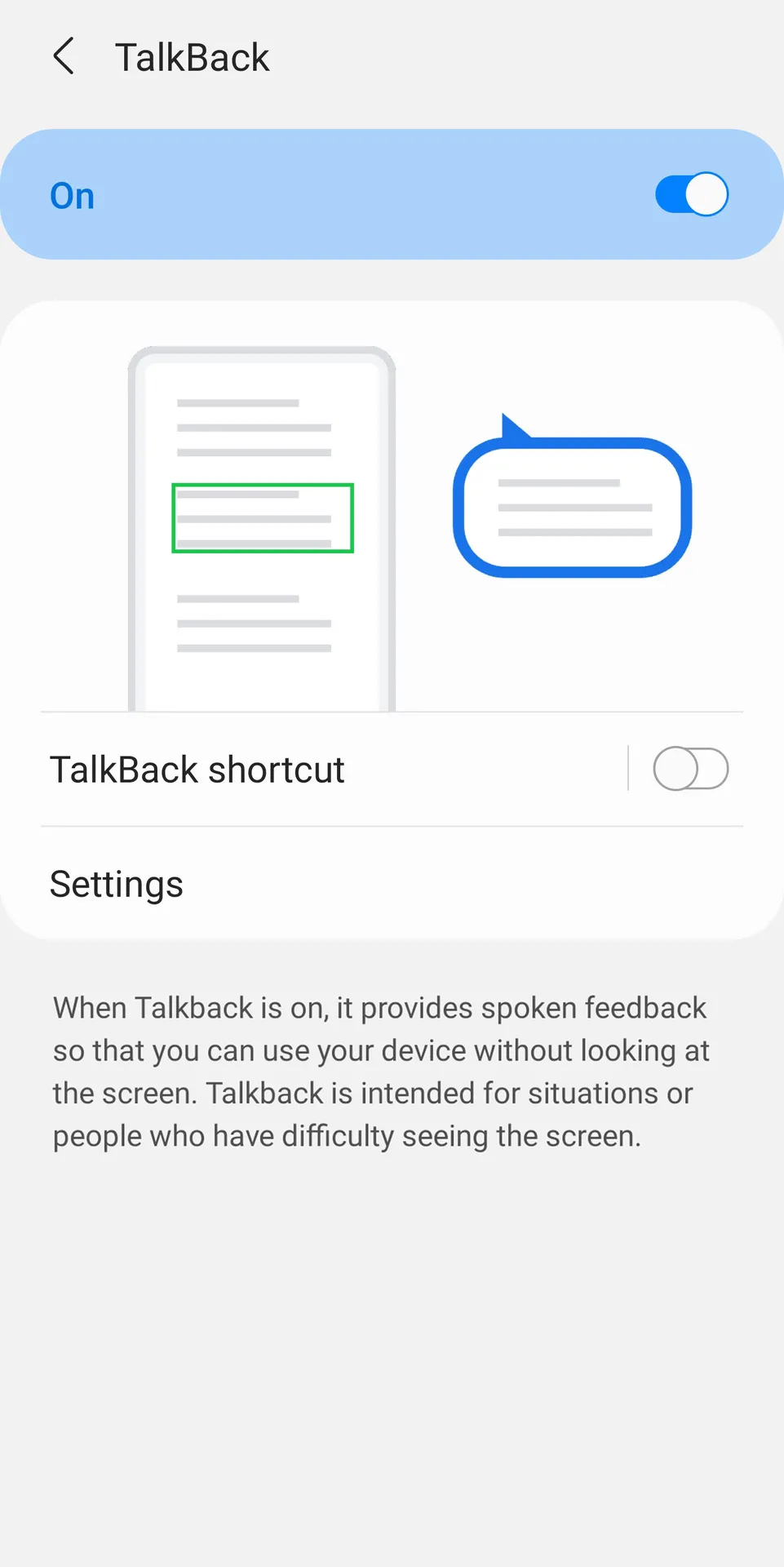
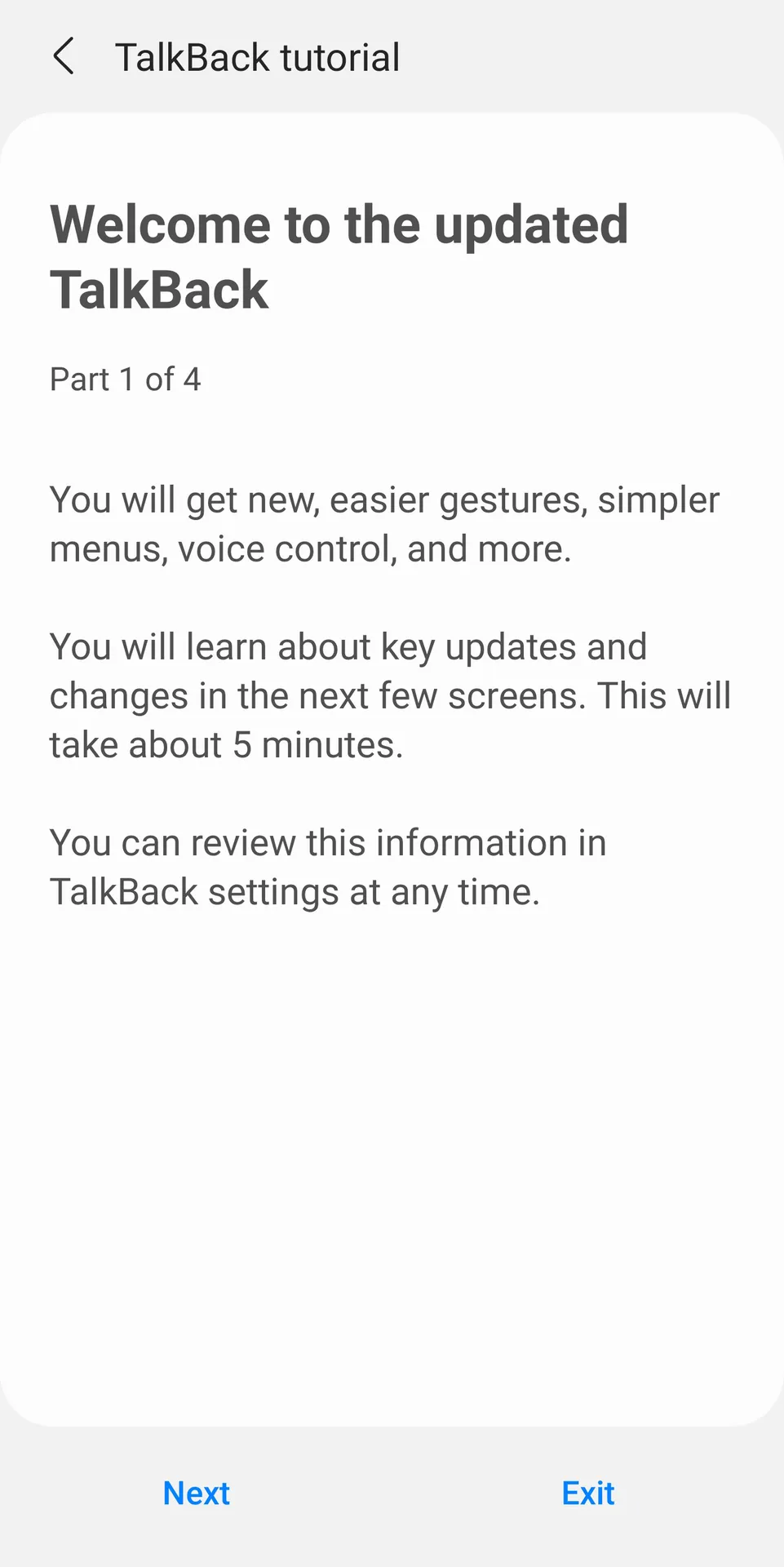
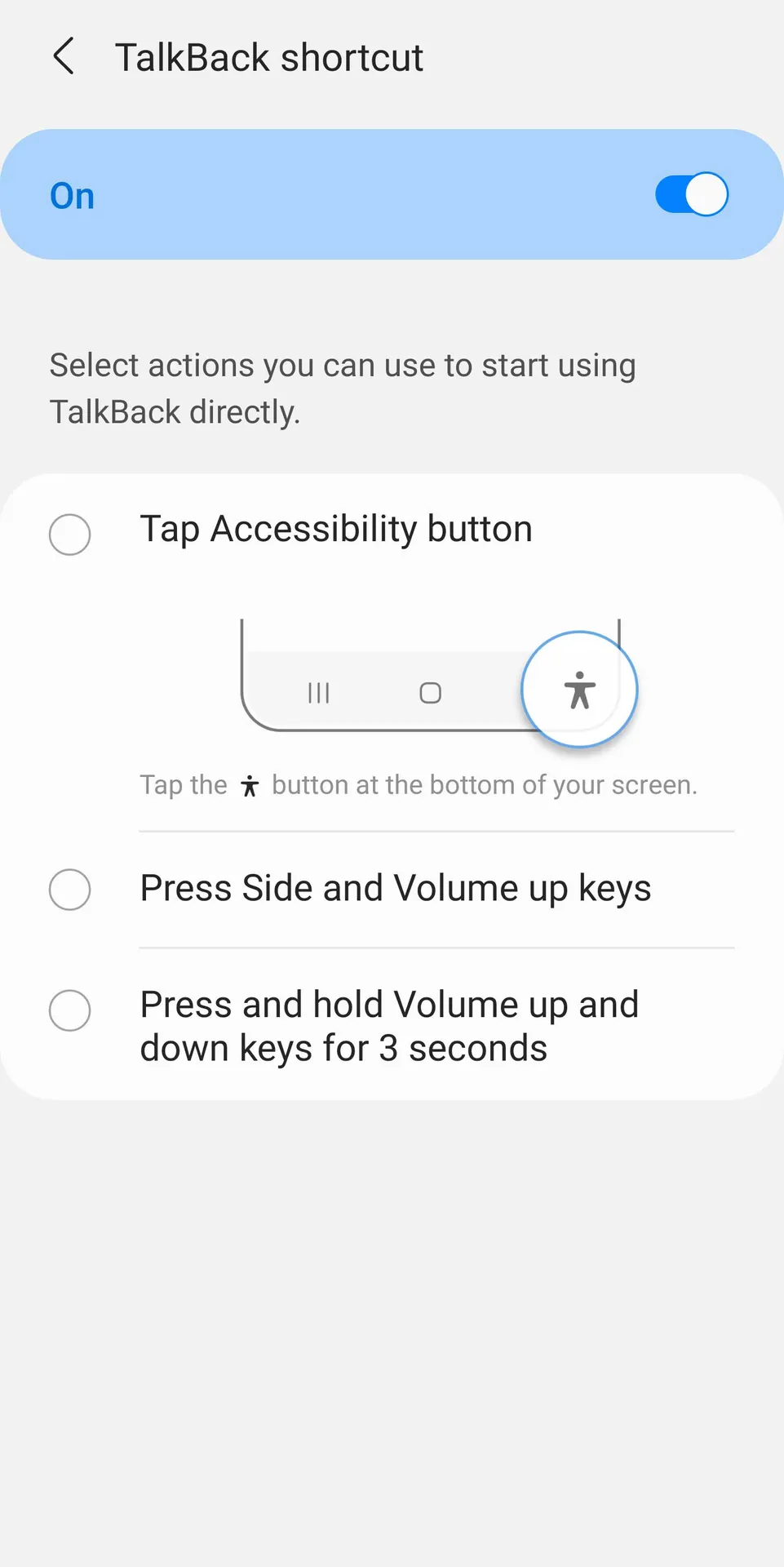
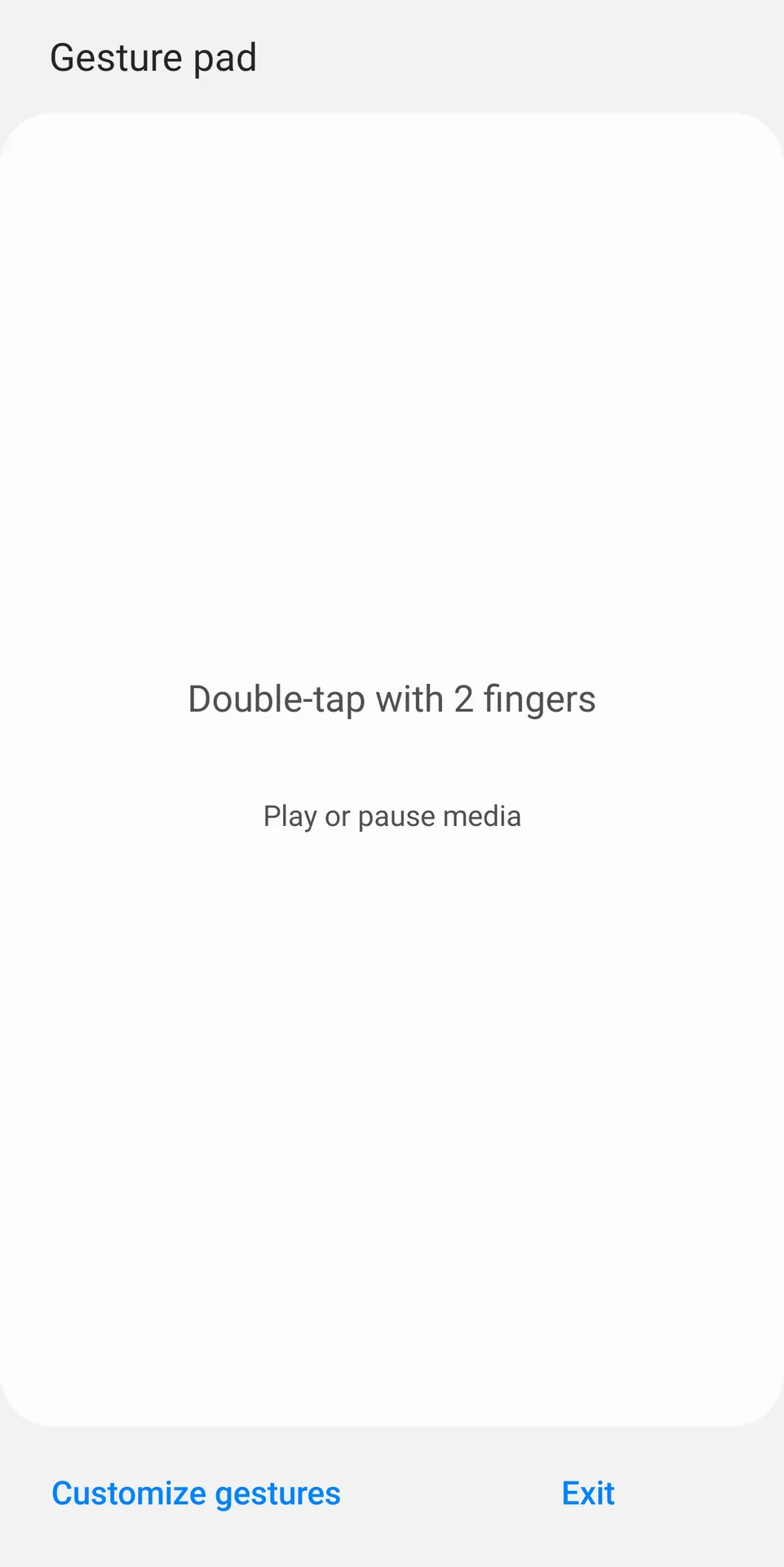
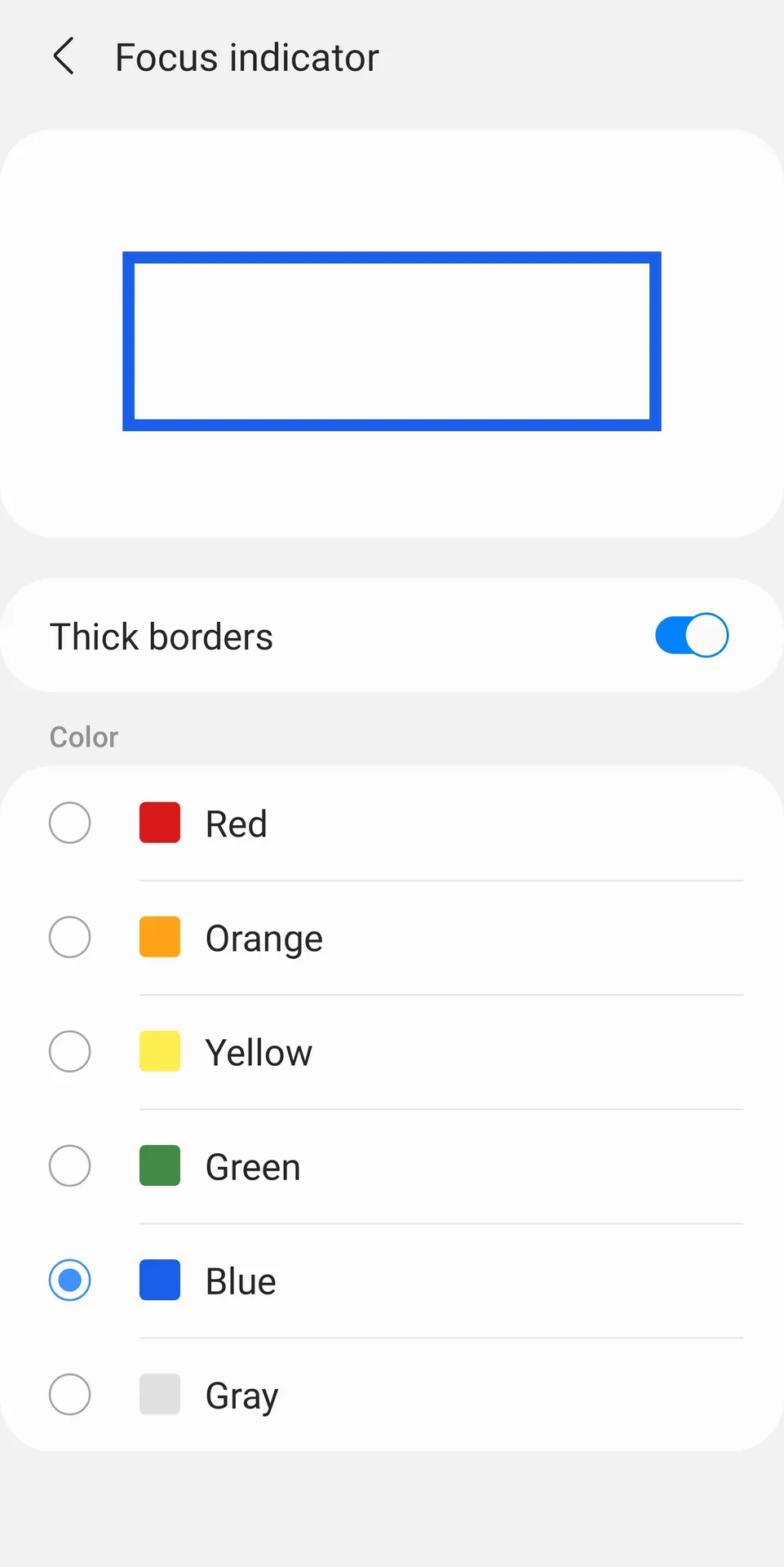
Samsung TalkBack is a specialized accessibility screen reader app for Android developed to assist users with visual impairments. This application provides spoken feedback for every action you perform on your smartphone screen. Consequently, you can navigate your device easily without looking at the display panel directly.
The software reads menu items, notifications, and button labels aloud to ensure complete digital inclusion. Moreover, it integrates seamlessly with system applications to provide a smooth user experience. This tool alters how people interact with mobile technology by removing physical barriers.
Understanding the Samsung TalkBack System
This built-in audio guidance utility helps millions of individuals navigate their modern mobile interfaces daily. Users activate this feature through the integrated accessibility settings menu on their compatible devices. After activation, the screen reader tracks every finger movement across the glass surface.
Then, the application translates visual elements into audible speech patterns instantly and accurately. For instance, it identifies icons, battery levels, and incoming text messages without any lag. Therefore, people with low vision gain total independence while handling daily communication tasks.
Why Every User Benefits From Samsung TalkBack
Accessibility tools provide essential support to individuals who face specific physical or visual challenges. However, regular users also utilize this application when they cannot look at their mobile screens. For example, you can listen to long articles while walking outside or cooking dinner.
In addition, the software improves multitasking capabilities by converting textual documents into clear audio files. This audio description allows you to absorb important information while your hands remain completely busy. Consequently, the utility remains a valuable asset for productivity and hands-free smartphone operations.
Key Features of Samsung TalkBack App
The utility provides many specialized options to optimize the daily user experience for visually impaired individuals. These configurations allow people to customize the feedback mechanism according to their personal auditory preferences. In other words, you control exactly how the device interacts with your touch inputs.
Furthermore, developers constantly update the system to ensure compatibility with modern operating systems and layout designs. This dedication ensures that navigation options remain modern, fast, and entirely dependable over long periods. Let us explore the core functionalities included in this accessibility tool below.
Multi-Finger Gesture Support
- You can execute complex system commands by using two or three fingers simultaneously.
- Swiping with multiple fingers changes the speaking speed or adjusts the volume levels immediately.
- This gesture integration replaces traditional single taps to accelerate your daily system navigation.
Integrated Braille Keyboard
- The tool includes a built-in six-dot braille layout directly on the touchscreen surface.
- Users type letters, numbers, and common punctuation marks without requiring an external hardware accessory.
- Consequently, writing long emails and text messages becomes an efficient and private process.
Custom Verbosity Settings
- You can adjust the amount of spoken information according to your current expertise level.
- The system lets you toggle password descriptions, element IDs, and miscellaneous text hints on or off.
- Therefore, advanced users can enjoy faster navigation by disabling repetitive structural descriptions.
Intelligent Text Editing
- Specific spoken feedback clarifies whether you are selecting, cutting, or pasting text blocks.
- The application reads out words or individual characters as you move the typing cursor.
- This precision prevents spelling mistakes and helps you manage documents with absolute confidence.
Advanced Audio Focus Control
- The system automatically lowers background music volume when the screen reader speaks text aloud.
- This feature ensures that you always hear notifications clearly over other active multimedia files.
- As a result, you never miss critical status updates during media playback sessions.
How to Download and Install Samsung TalkBack APK
Acquiring the latest version of this essential accessibility tool requires a few simple steps. You must obtain the official installer file from a reliable hosting platform online. Click the download button on our website to save the package directly to your local storage.
- Locate the downloaded installer file inside your mobile device storage folder.
- Select the file to initiate the package setup procedure on your system.
- Grant the necessary installation permissions if your operating system requests them.
- Wait patiently for a few seconds while the system extracts the internal data.
- Open your main settings menu and navigate straight to the accessibility section.
- Toggle the activation switch to enjoy the complete voice feedback experience immediately.
Samsung TalkBack Useful Audio Tool Tips and Tricks
- Press both volume buttons simultaneously for three seconds to toggle the voice feedback quickly.
- Use three fingers to swipe across the glass when you want to change speech parameters.
- Activate the screen curtain option to keep your display dark while reading text privately.
- Utilize the built-in gesture pad to test new touch commands safely before applying them.
- Enable the focus audio option to lower separate media sounds while listening to notifications.
- Connect a physical keyboard via Bluetooth to navigate menus using traditional arrow shortcut keys.
Final Summary and Thoughts
This voice feedback platform represents a massive step forward for mobile accessibility and digital equality. It allows users with visual limitations to operate modern hardware setups with absolute freedom and precision. Moreover, the lightweight design ensures stable operational speeds across a wide variety of hardware configurations.
In conclusion, installing this screen reader transforms your device into an audit-friendly device without requiring expensive external equipment. The feature accommodates diverse learning curves through interactive training tutorials and fully customizable gesture settings. Therefore, downloading this file remains the ideal choice for enhancing your mobile operating environment.